 FileDesk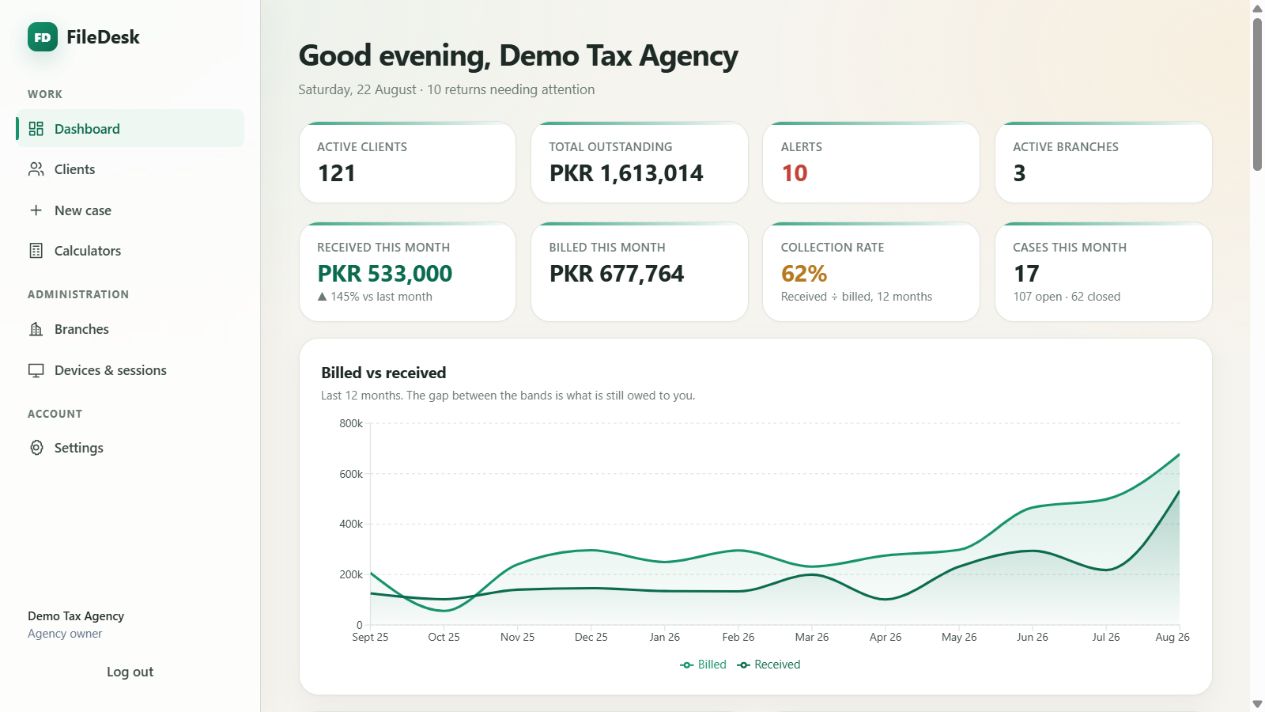
Agency dashboard
Income, outstanding balances, return alerts and branch workload in one view.
Product tour
Start with the working extension, explore every captured screen at full resolution, then follow a client document from the phone camera to the wealth statement.
Extension in action
This is the working FileDesk extension—not a simulated animation.
Real product screens
These captures come from the demonstration agency—not a separate design mock-up.
Income, outstanding balances, return alerts and branch workload in one view.
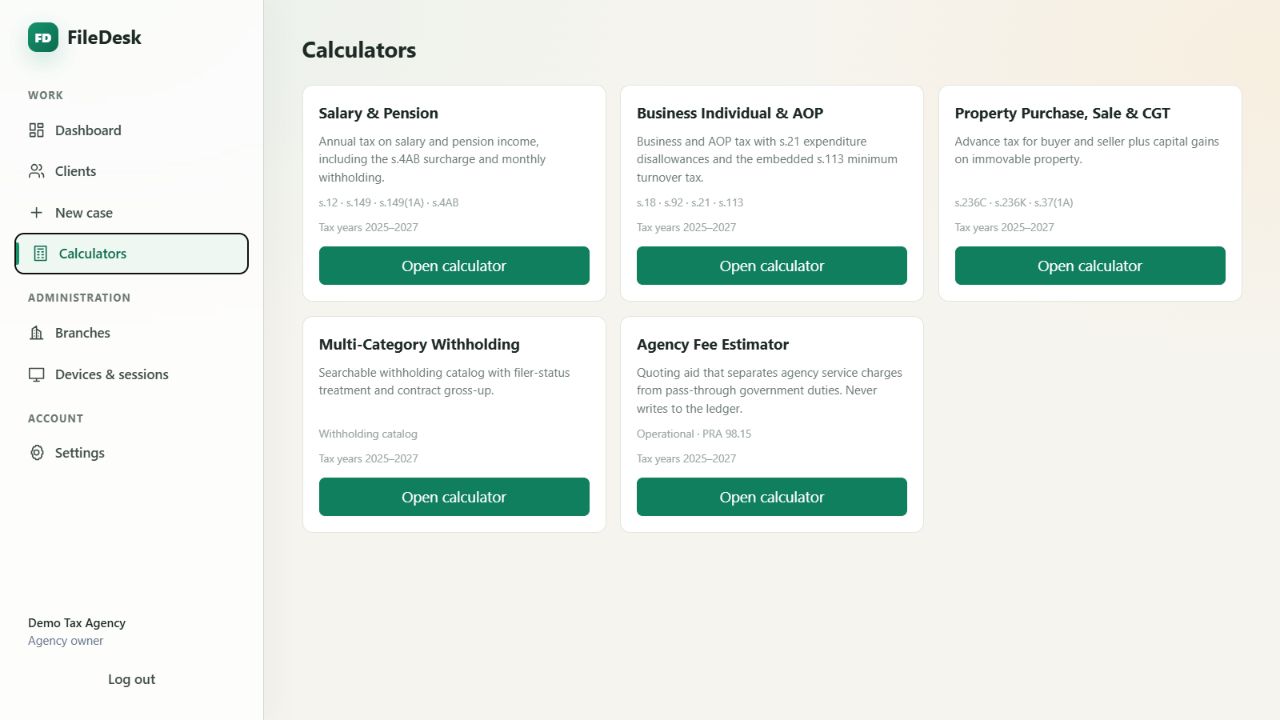
Salary, business, property, withholding and agency-fee tools in one place.
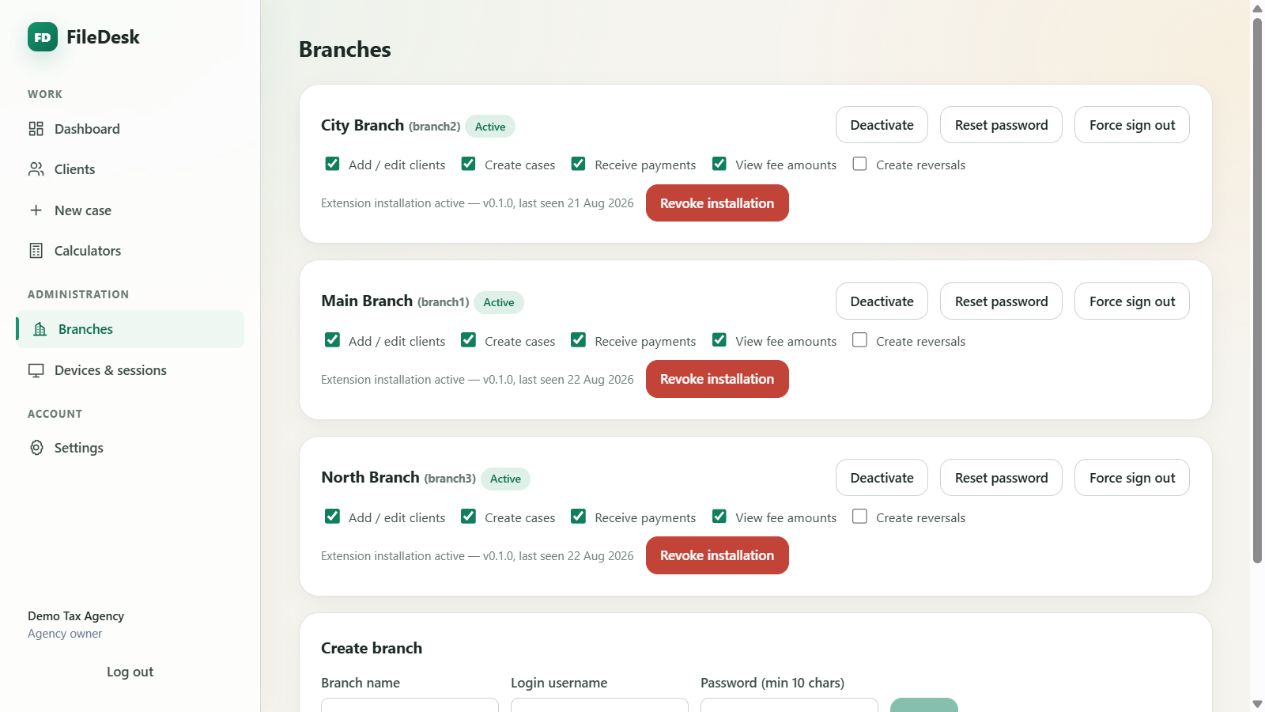
Permissions, session control and extension status without leaving the agency.
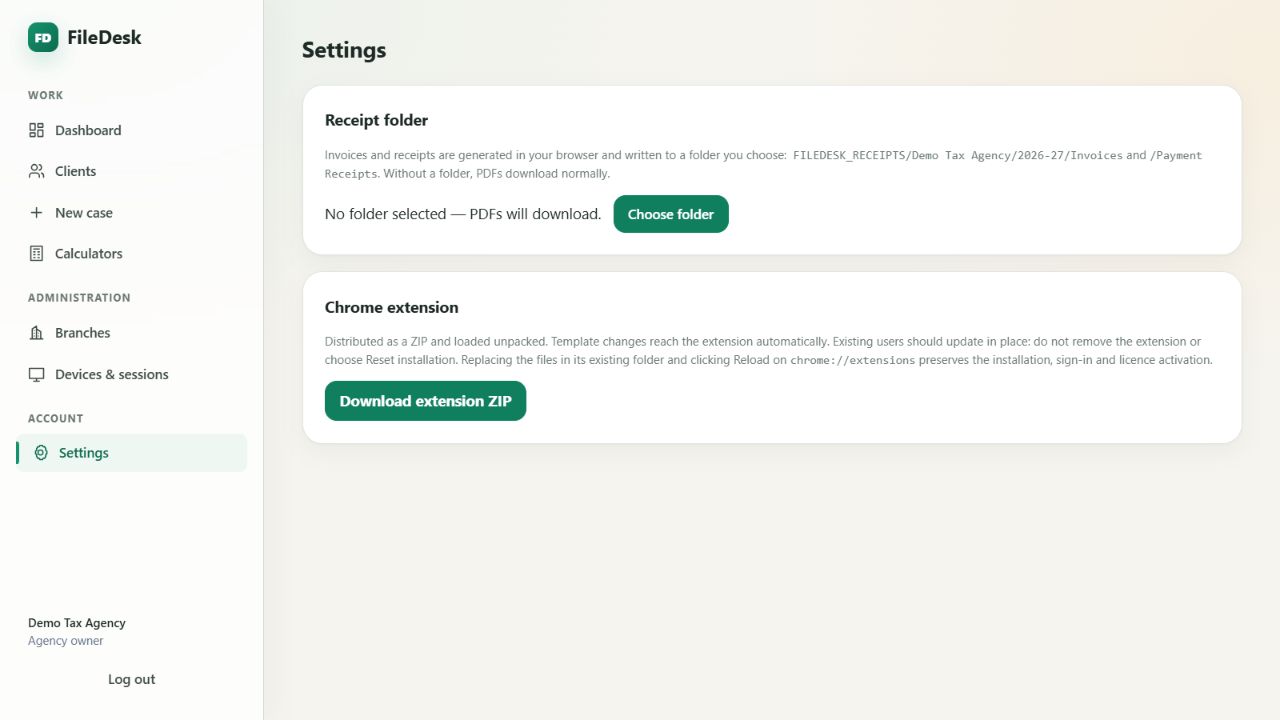
Deadlines, extension access and account controls presented plainly.
Walkthrough
What happens when a client hands you a sale deed and you have only your phone.
Scan sits in the middle of the phone's bottom bar. Choose the client — the ones you opened recently are listed first.
FileDesk finds the edges and flattens the page. Drag a corner if the outline is off, or rotate the page.
Choose Original, Enhanced, Grayscale or Black & white. Add the next page, put them in order, and save them as one PDF.
Give it a title, a kind and a tax year — and, if it proves a purchase or a sale, attach it to that event in the client's wealth-statement register.
The PDF is encrypted on the phone before it is saved to the client's file, where it appears with a preview of its first page.
The upload shows in the client's activity log — and so does every later opening, edit or deletion, with the time and whether it was the owner or which branch.
Your own data, your own branches
Tell Muhammad Ahsan how your practice works and get a focused walkthrough instead of a generic sales call.